Step One
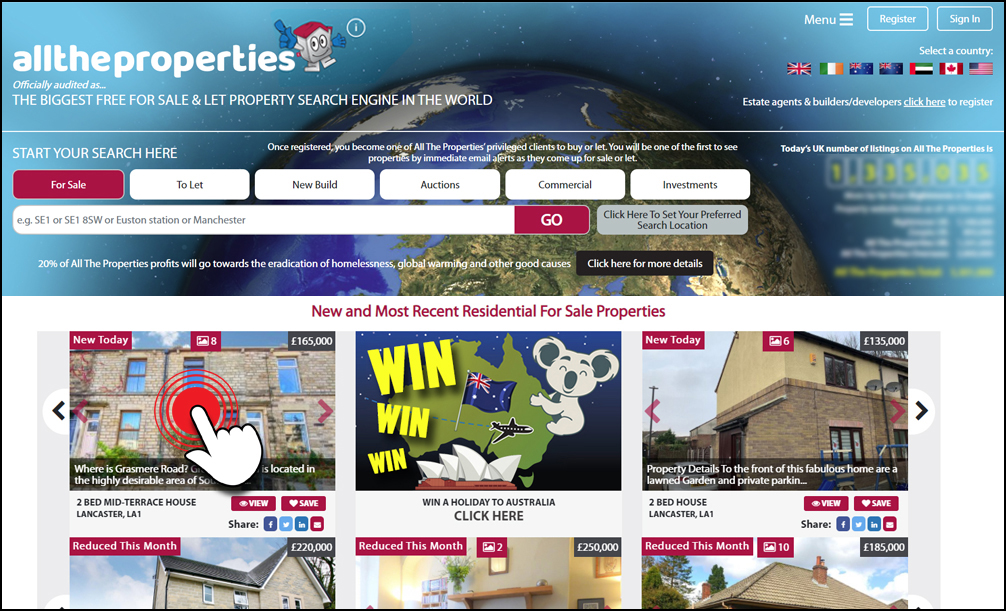
Click on any residential property that you see on our site that is for sale or to let.
Step Two
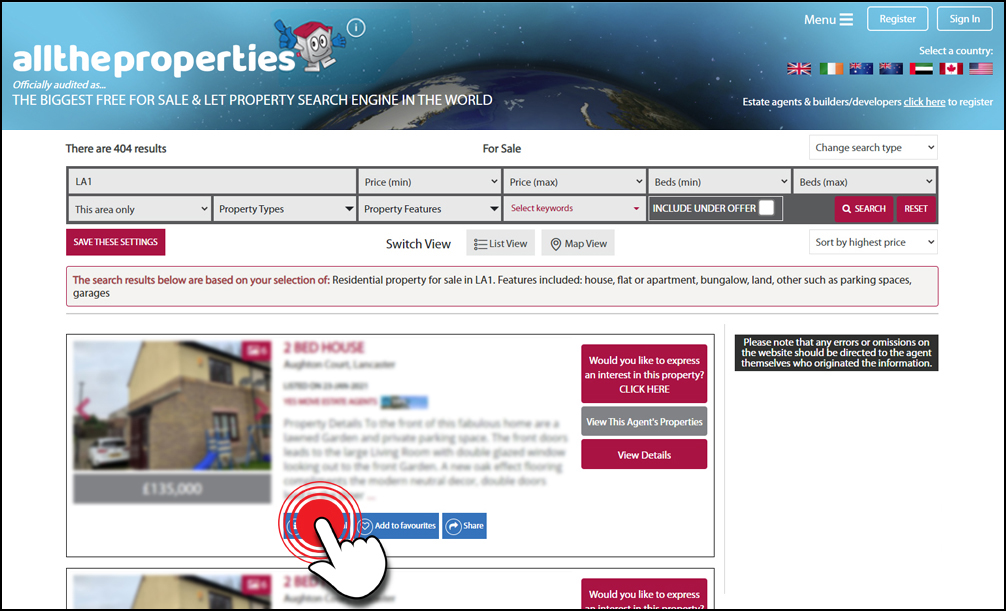
On the property result profile you will find a blue 'What's local' button. Click on this button to launch the information popup.
Step Three
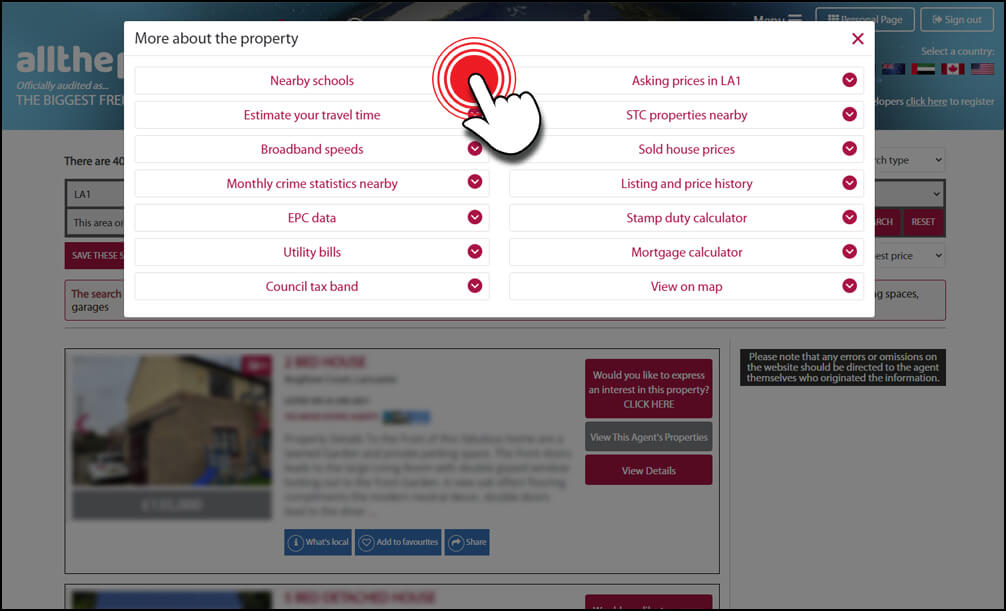
Once the popup has appeared you will be presented with a list of categories containing information on your chosen area. In the left hand column you will see 'Nearby schools'; click on this to reveal the results.
Step Four
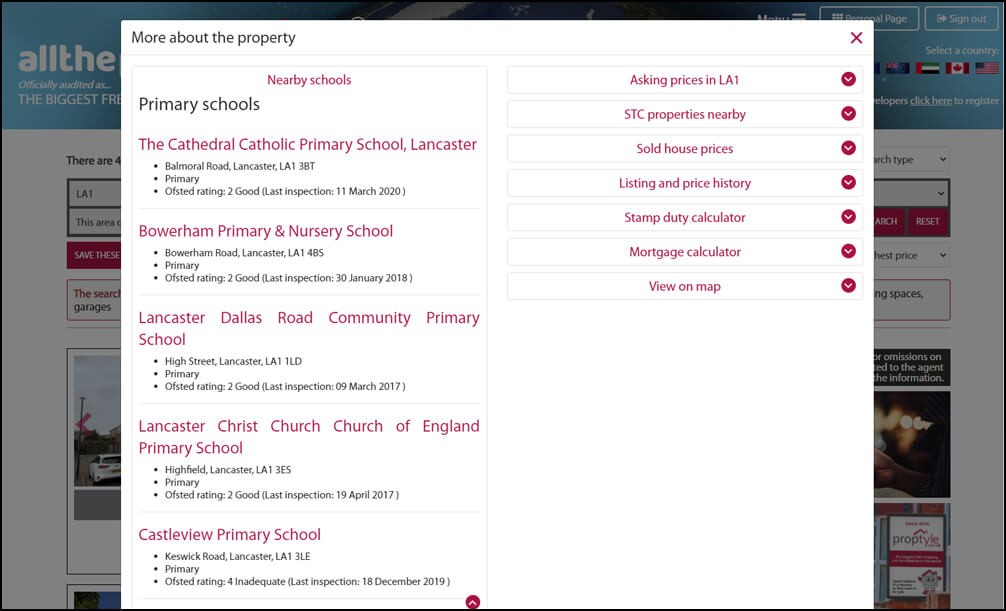
The information shows the address of the school and the latest Ofsted report (where available).